
It's already in your box
Every delivery includes a printed QR sheet inside the box. Keep it somewhere handy.
Return shipping is already included in every price. There are three easy ways to send your empties back — pick the one that fits how you ordered, keep your personal QR sheet with the cylinders, and we take care of the rest.
Every return needs your personal QR sheet — it comes in every box.
Empty cylinders all look alike. Your personal QR code is how we know these empties are yours — the moment it's scanned, the return (and any deposit) is credited to your account.
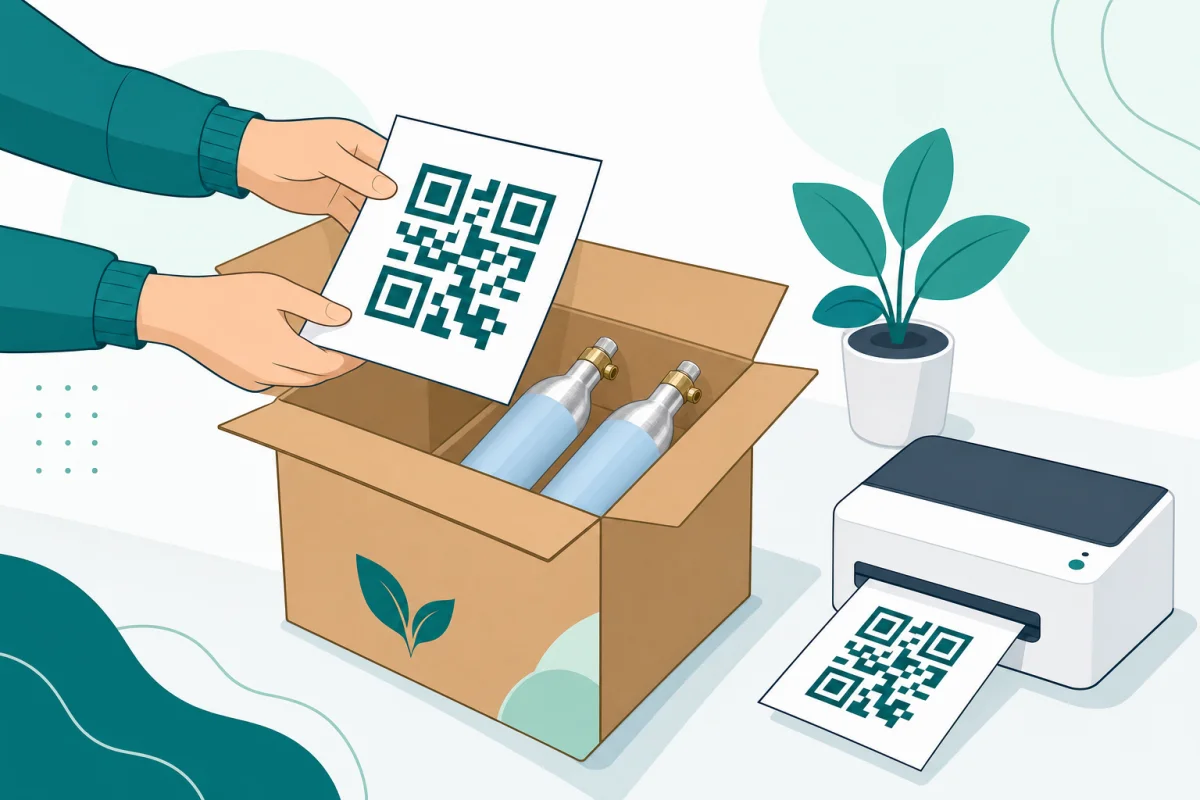
Every delivery includes a printed QR sheet inside the box. Keep it somewhere handy.
The same sheet travels as a printable PDF with your return emails, and you can get it anytime from your account.
Attach it to the cylinders or place it inside the return box — every return, whichever path you use.
Use the printed copy that came inside your delivery box, and show the GLS label on your phone.
It comes down to two choices you make at checkout: where your delivery goes, and whether your empties travel back with that delivery or later.
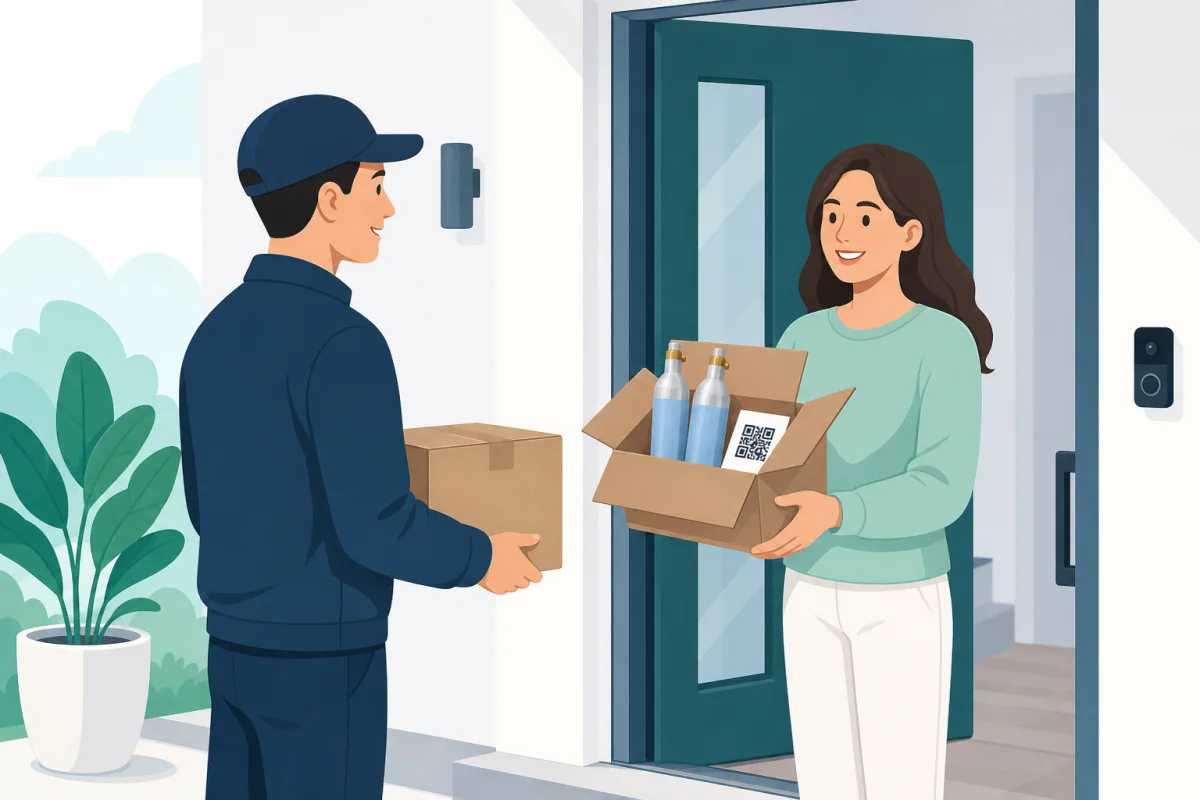
The GLS driver takes your empties when handing over the full cylinders. Nothing to print, nowhere to go.
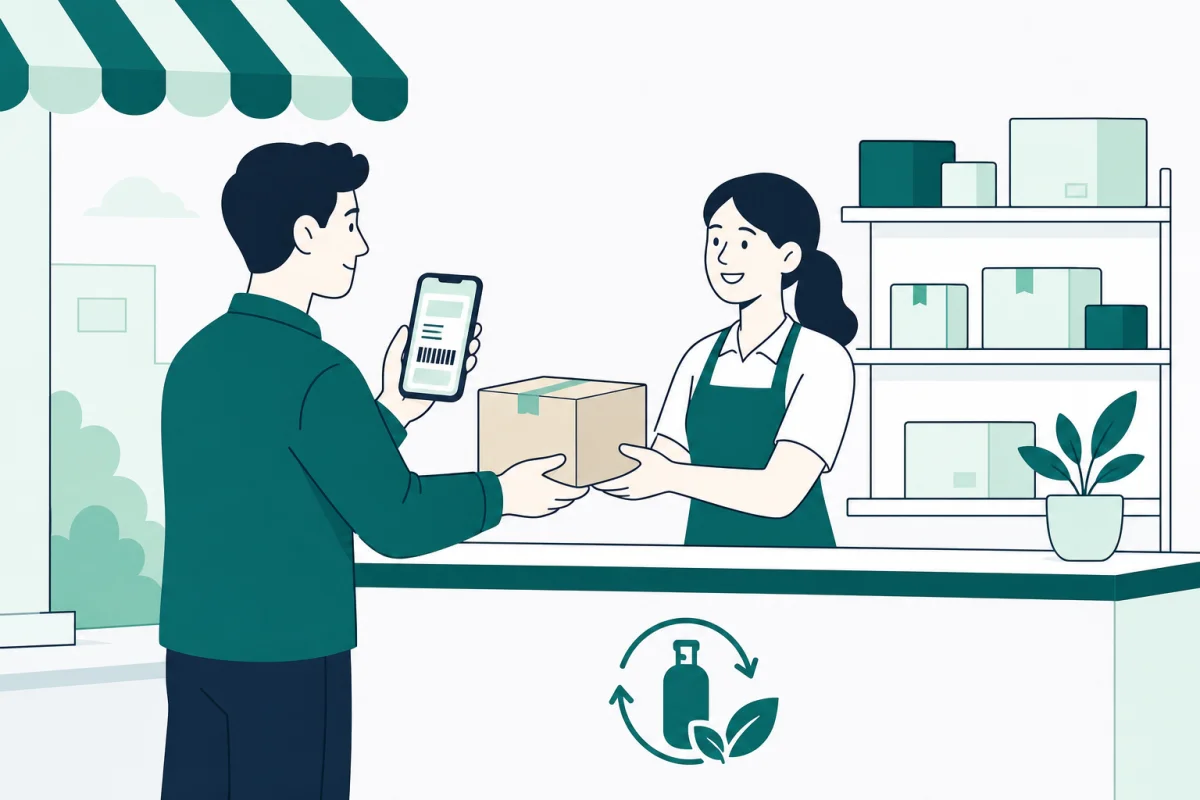
See the steps ↓ParcelShop delivery · return with deliveryWe email you a prepaid GLS label right after checkout. Box your empties and hand them in at the counter.
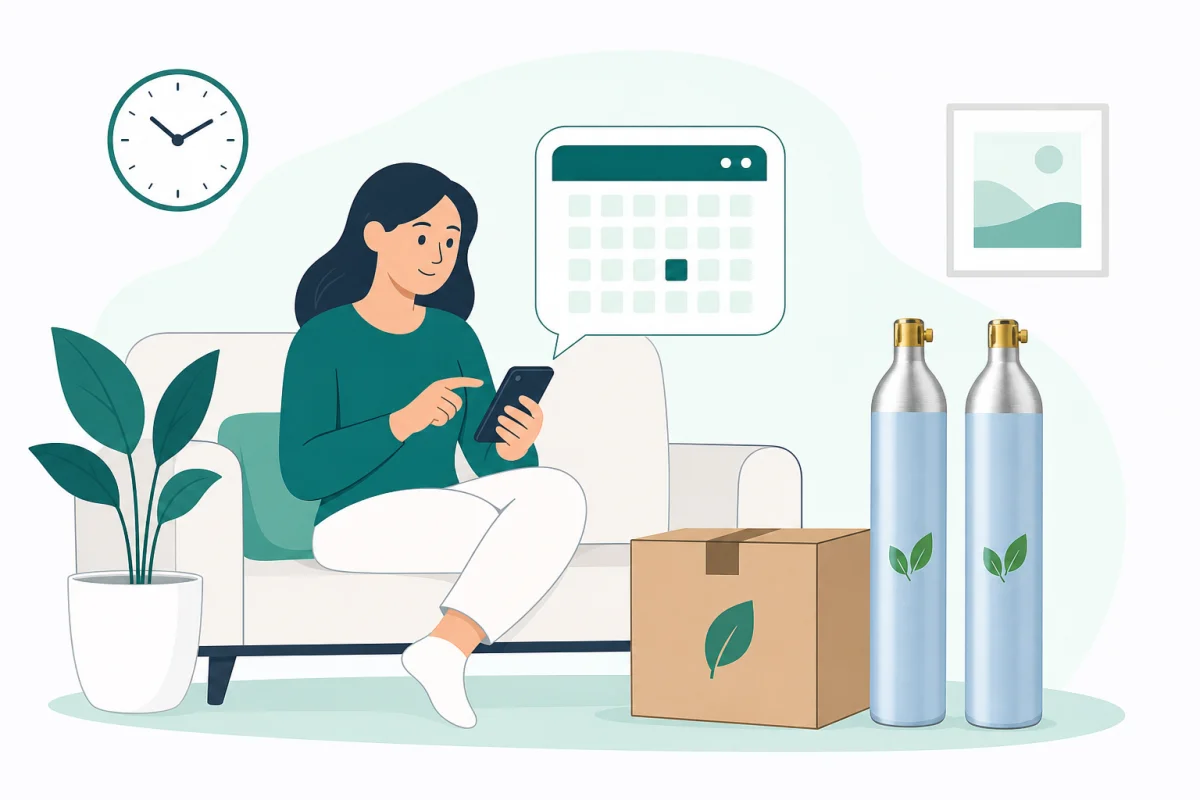
See the steps ↓Any delivery · return laterRequest a return from your account and choose a ParcelShop drop-off or a GLS home pickup on a day you pick.
See the steps ↓For home deliveries where you chose “Return with this delivery” at checkout. The easiest one: your empties leave the moment your full cylinders arrive.
Select home delivery and “Return with this delivery”. There's nothing else to arrange.
On delivery day, prepare your empties by putting them back in the box we shipped you. Make sure you include your EcoFizz QR sheet in the box.
Hand over the empties as the driver gives you the full cylinders. One set comes in, one goes out. Not ready on the day? The driver still delivers, and you can return them later from your account.
When your empties arrive back and your QR is scanned, the return shows up in your account — and any deposit comes back as credit.
For ParcelShop deliveries where you chose “Return with this delivery”. We email your prepaid GLS return label right after payment.
After checkout you receive a prepaid GLS return label by email, together with your printable QR instructions.
Put the empty cylinders in a box with your EcoFizz QR sheet inside.
Stick the label on the box — or simply show it on your phone at the counter. No printer needed.
Any staffed GLS ParcelShop counter works. GLS lockers only hand out parcels — they can't accept returns.
When your empties arrive back and your QR is scanned, the return shows up in your account — and any deposit comes back as credit.
No empties to send right now? Choose “I'll return them later” at checkout and start the return whenever suits you — on a subscription, within 7 days of your next delivery.
Open Cylinder returns on the web or in the app and choose Request GLS return. Always request first — GLS only accepts registered returns.
ParcelShop drop-off: we email you a prepaid GLS label. Home pickup: choose a date and time window and GLS collects at your door.
Empty cylinders plus your EcoFizz QR sheet in one box — caps on, undamaged.
Drop the box at a staffed ParcelShop counter, or give it to the GLS driver on your pickup day.
When your empties arrive back and your QR is scanned, the return shows up in your account — and any deposit comes back as credit.
What you pay — and how it comes back — depends on how you ordered.
Credit lands in your account automatically once your return is scanned — usually within a few days of handing it over. If more than 3 days have passed since GLS confirmed receipt and you still don't see it, write to support@ecofizz.es and we'll check right away.
The pricing page answers the most common questions about deposits and returns — and we're happy to help directly.
Delivery and returns are already included in the price.